
Dunkin Gift Card Balance 2026
Wondering how much is left on your Dunkin card before you order? This guide covers every easy way to check a balance, how to add money, what to do when something goes wrong, and the questions people ask most often.
Ways to See Your Dunkin Gift Card Balance
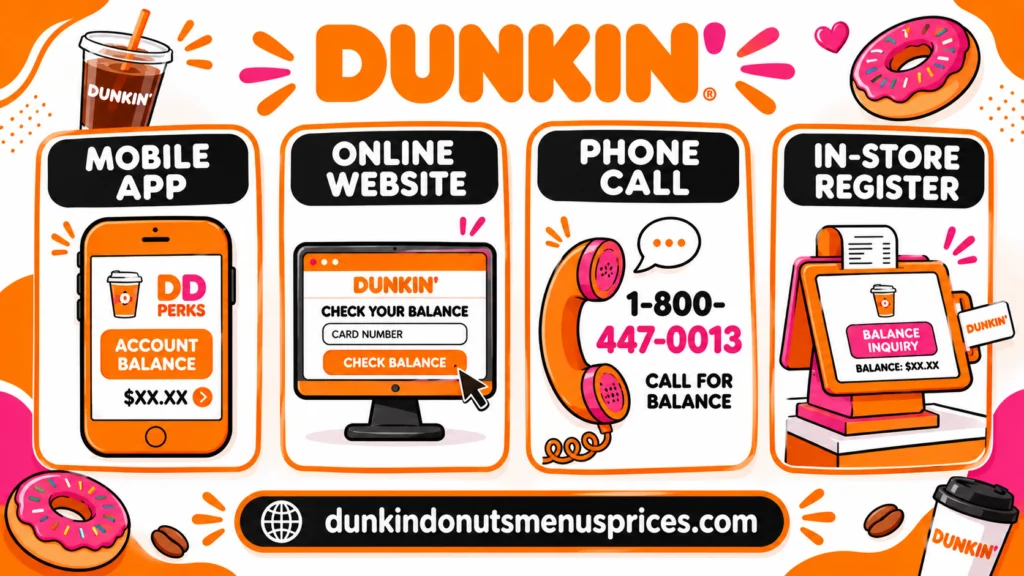
Checking your balance takes less than a minute, and you do not need to make a purchase first. Here are the main options, starting with the one most people use.
Online With Your Card Number and PIN
Visit the official Dunkin’ website and open the gift card balance check page. Enter your card number and PIN, and the current balance appears on screen. Keep your PIN private, because anyone with both numbers can see the balance.
Through the Dunkin’ App
If your card is linked to your account, the balance is visible in the Dunkin’ app. Sign in, open the payment section, and find your card. Linking the card makes it much easier to keep track of what you have spent.
Printed on Your Receipt
After you pay with a gift card, many Dunkin’ receipts show the remaining balance at the bottom. Save your receipts if you like to follow your spending over time.
Asking a Crew Member In Store
Any crew member at a Dunkin’ restaurant can look up the balance for you, and you do not need to buy anything first. This is the quickest option when you are already standing at the counter.
| Method | Best For | What You Need |
|---|---|---|
| Online | Checking from home | Card number and PIN |
| Dunkin’ app | Regular customers | Card linked to your account |
| In store | Checking without a device | The physical card |
Adding Money to Your Card
Running low before your usual order? You can add funds to a card, but the exact steps depend on how your card is set up and which version of the app you use. Look for a reload or add-funds option in your account first.
Adding Funds by Hand
When the option is available for your card, the app asks for the amount and payment details before it confirms the top-up. Read the screen carefully for any minimum or maximum amount before you finish.
Setting Up Automatic Reloads
Some accounts let you set a card to top up on its own, either on a schedule or when the balance drops below an amount you choose. Whether this shows up for your card depends on your account and region, so check your app settings.
| Option | What to Know |
|---|---|
| Add funds by hand | Good when you want control over each top-up |
| Automatic reload | Helpful if you buy coffee on a regular schedule |
Combining Cards Into One Balance
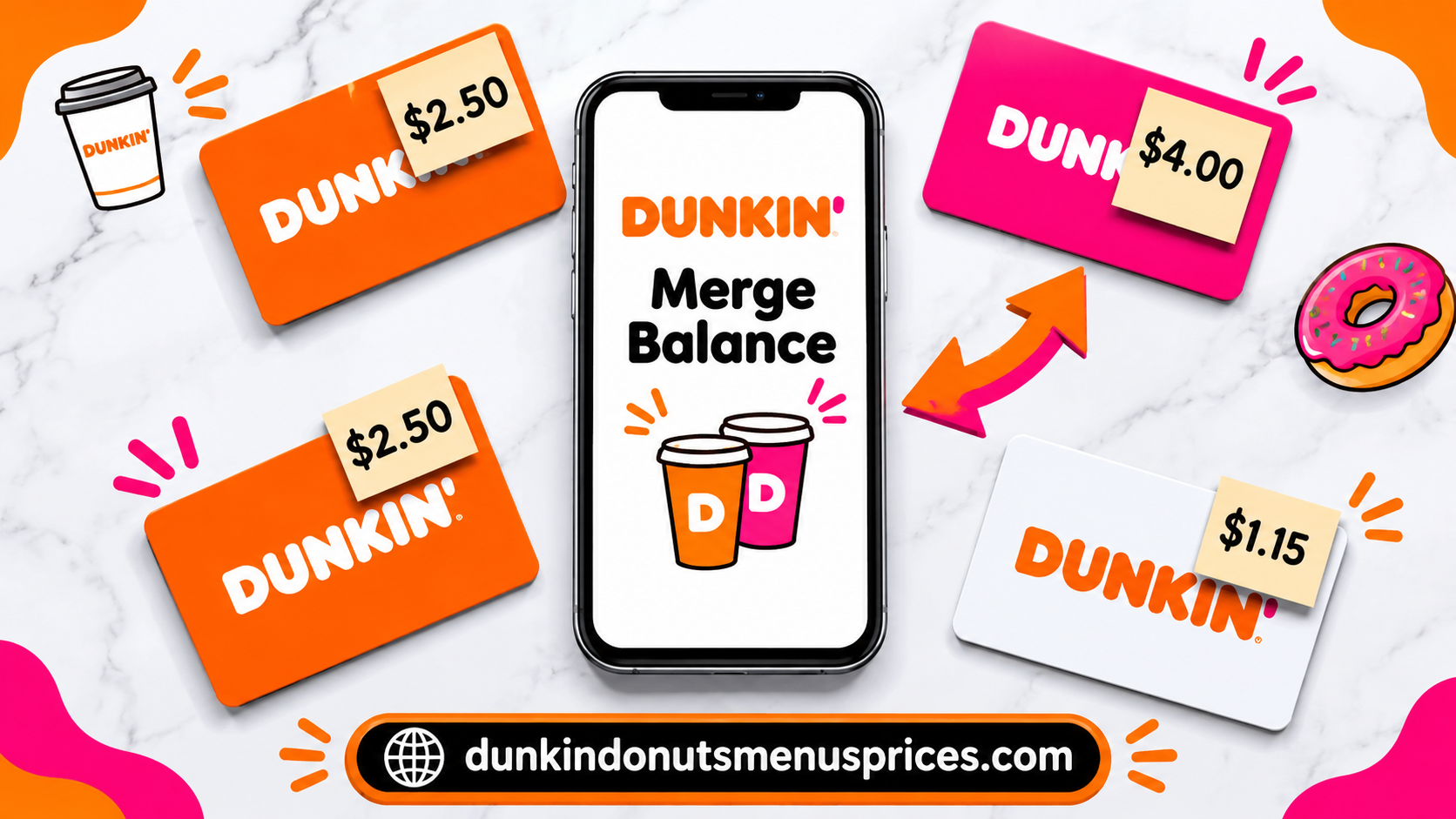
Holding two or three Dunkin’ cards with small leftover amounts gets messy. Merging them into one card makes it simpler to see your total and spend it in one go. Look for a merge option in the Dunkin’ app, and decide which card you want to keep before you start.
Earning Rewards With Your Card
Dunkin’ Rewards is a separate program that can work alongside your gift card. Points depend on eligible purchases, and the rules can change, so read the current terms before you plan around them.
How Rewards Points Add Up
Points usually come from eligible orders, so keep your rewards account connected to the payment method you use. The full rules are in the Dunkin’ Rewards terms on the official website.
| Rewards Tip | Why It Helps |
|---|---|
| Connect your account | Your purchases get tracked |
| Read the current terms | Rules can change over time |
Fixing Common Card Problems
Most card problems have simple fixes. Start with the step in the table below, and contact Dunkin’ customer support through the official FAQ page if the issue continues.
When the PIN Is Scratched Off
If you cannot read the PIN, ask a crew member to check the balance in store. Avoid guessing the PIN, and let staff help you instead.
If Your Card Is Lost or Stolen
Contact Dunkin’ support as soon as you notice the card is missing. Have the card number and your latest receipt ready, since they help the support team find your card.
When the Balance Looks Out of Date
Give the app or website a short wait, then check again. If the number still looks wrong, compare it with your most recent receipt before you contact support.
Removing a Card From the App
If you no longer need a card in your account, look for a remove or manage option in the payment settings. If you cannot find it, contact support and they can help you take the card off your account.
| Problem | First Step |
|---|---|
| Scratched PIN | Ask a crew member in store |
| Lost or stolen card | Contact support right away |
| Old balance on screen | Check again after a short wait |
Where You Can Buy a Card
Buy cards from official Dunkin’ restaurants, the Dunkin’ website, or well-known retailers. Be careful with cards sold on resale sites or by private sellers, because a card with a tampered or unusable PIN can leave you with no money on it.
| Where | Tip |
|---|---|
| Dunkin’ restaurants | Easiest way to get a physical card |
| Official website | Good for digital gift cards |
| Retail stores | Check that the packaging is sealed |
Your Questions Answered
Here are the questions people ask most. Where the answer depends on current policy, we point you to the right place to check, because policies can change.
Does a Dunkin’ Gift Card Expire?
Dunkin’ publishes its gift card terms on the official website. Check those terms for the latest answer before you hold a card for a long time.
Are There Monthly Fees on Dunkin’ Cards?
The official gift card terms explain any fees. Read them before you buy or use an older card, so there are no surprises.
Can I Use My Dunkin’ Card at Other Brands?
Dunkin’ cards are meant for Dunkin’ restaurants. If you want to use one somewhere else, confirm with official support first.
Can I Get Cash for a Small Leftover Balance?
Cash-out rules depend on the card and the terms. Ask Dunkin’ support about small amounts, because the answer is not always the same for every card.
Can I Use My Card Outside the United States?
Dunkin’ cards are generally used at participating Dunkin’ locations. Check the official terms or contact support before you travel, since availability can vary by country.
Do Delivery Orders Count Toward Rewards?
Rewards rules for delivery can change. Check the Dunkin’ Rewards terms for the current answer, and look at your app order history to see whether points were added.
Is There a Maximum Amount for One Card?
Dunkin’ may limit how much you can load on a single card. Check the current terms or ask support before you add a large amount.
The Short Answer
A Dunkin’ gift card is simple to check once you know where to look. Use the website or app for quick checks, ask staff when you are in store, and read the official terms for anything about expiry, fees or reloading. That way you always know what you have before you order. So, what is left on your card right now?